 Stillkept
Step 1
See your iCloud bill coming
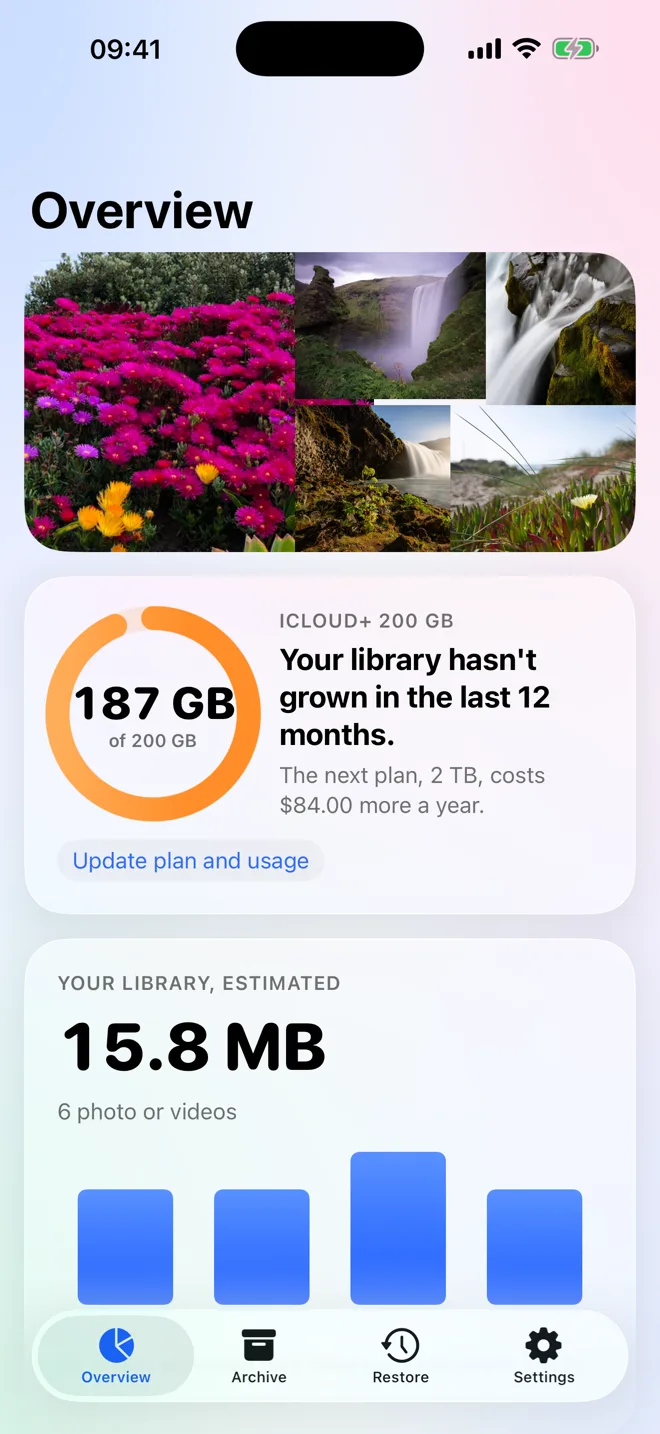
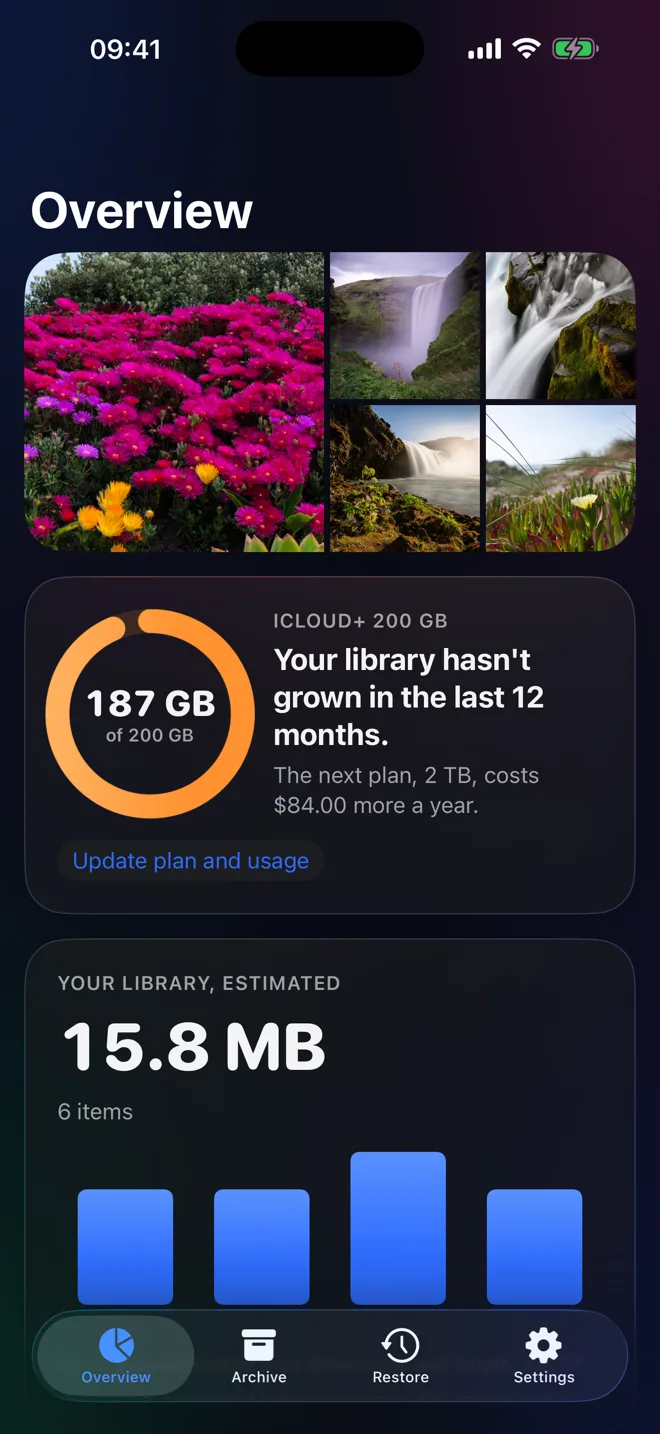
Stillkept measures your library on your iPhone and forecasts the month iCloud fills up, plus what the next plan costs.
Stillkept shows what your photo library costs you, moves older photos and videos to storage you already own, proves each copy is perfect, and only then frees up space.
Free to start. iPhone with iOS 26 or later.
How it works
Stillkept never guesses. It measures, copies with proof, and asks before it touches anything.
Step 1
Stillkept measures your library on your iPhone and forecasts the month iCloud fills up, plus what the next plan costs.
Step 2
Older photos and videos go to your own Google Drive or a USB-C drive. Every file is checked by SHA-256 before it counts.
Step 3
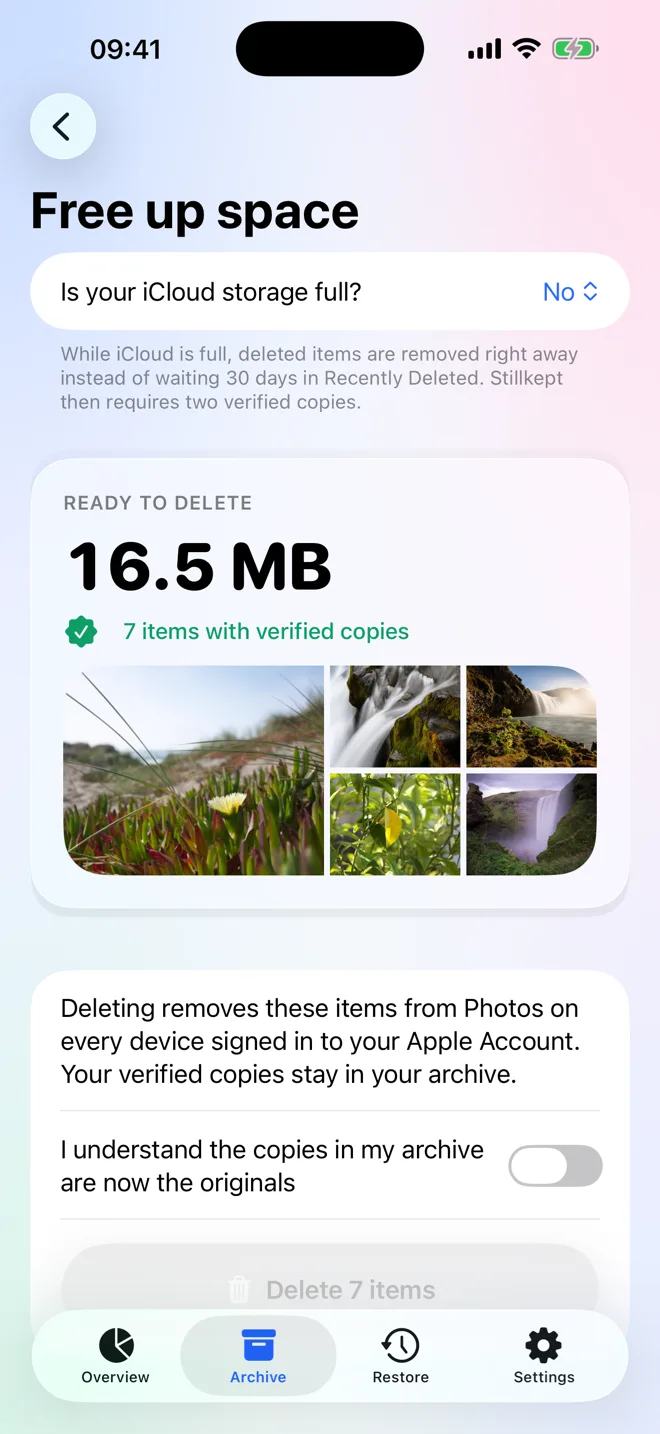
Only verified items can be deleted, after a review and your confirmation. Anything edited since is kept.
Proof, not promises
Most backup apps tell you a sync finished. Stillkept tells you every file arrived intact, and shows you what did not.
Everything in one place
One or more Google accounts, a USB-C drive or a network folder. You choose which is used first.
Bring photos back with their date, location, favorite status and albums. Live Photos stay live.
Find near-identical shots and keep the best, clear old screenshots, and shrink big videos to half the size.
See items in Photos' Unable to Upload album, archive them first, then follow Apple's fix step by step.
No account, no servers, no ads, no trackers. Google access is limited to the files Stillkept creates.
A review screen, your confirmation and the iOS prompt. ProRAW files go last, in small batches.
Pricing
Restoring and deleting what is already verified are always free.
US prices. Purchases are handled by Apple.
Questions
Stillkept is an iPhone app that helps you stay on your current iCloud plan. It measures your photo library, forecasts when iCloud will be full, copies older photos and videos to storage you already own (your Google Drive or a USB-C drive), checks every copy, and then lets you delete the originals from iCloud Photos to free space.
Only when you ask, and only items whose copies were verified. You review the list, confirm in the app, and iOS asks you to confirm again. Deleted items stay in Recently Deleted for 30 days unless your iCloud storage is full.
Every file is hashed with SHA-256 while it is read from Photos. For Google Drive, Stillkept compares that hash with the SHA-256 checksum Google reports for the uploaded file. For a USB-C drive, it reads the copy back and compares. Before any delete, it also downloads 3 random archived files and checks them again.
Your photos go straight from your iPhone to your own Google Drive account or a drive you plug in. Stillkept has no servers, no account and no analytics, and it never sees your photos or your Google password.
No. Stillkept asks Google only for the drive.file permission, which lets it see the files it created itself, stored in a folder called Stillkept Archive.
It depends on your plan and how fast your library grows. Moving from the 2 TB plan back to 200 GB saves $84 a year in the US, and Stillkept shows your own numbers. If upgrading iCloud is cheaper for you, Stillkept says so.
When iCloud is full, iOS skips Recently Deleted, so a delete is immediate. Stillkept then requires two verified copies on two different destinations, for example two Google accounts or Google Drive plus a USB-C drive.
Open Restore, pick items and tap Restore. Photos come back into Apple Photos with their original date, location, favorite status and albums. Restoring is always free, and a plain list of every file is saved next to your archive so it stays readable without the app.
Measuring your library, the iCloud forecast, help with stuck uploads, restoring and archiving your first 5 GB or 500 items are free. Stillkept Pro removes the limit for $29.99 a year or $49.99 once. There are no weekly plans.
Any iPhone that runs iOS 26 or later. You can archive to Google Drive over Wi-Fi or cellular, or to any USB-C drive or network folder that the Files app can open.
Measure your library in a minute. Nothing leaves your iPhone until you say so.